OpenCode Configuration
OpenCode is an open-source terminal AI coding tool, similar to an open-source alternative to Claude Code. By integrating with HaoAI, you can use any model.
Configuration Steps
1. Install OpenCode
# macOS / Linux
curl -fsSL https://opencode.ai/install | bash

# Or install with Go
go install github.com/opencode-ai/opencode@latest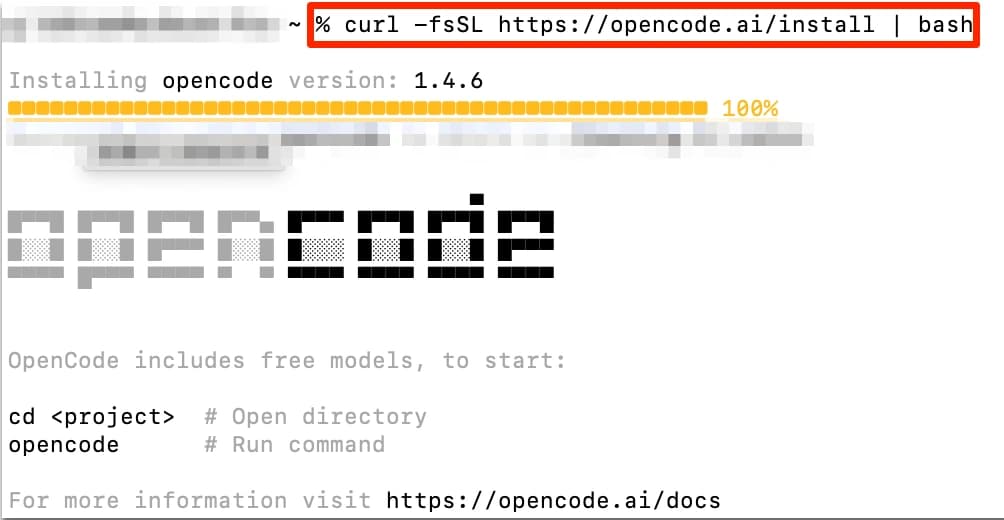
2. Configure Environment Variables
OpenCode supports multiple Provider configurations. The OpenAI-compatible mode is recommended:
~/.zshrc
# OpenAI-compatible mode
export OPENAI_API_KEY=<your HAOAI_API_KEY>
export OPENAI_BASE_URL=https://api.hao.ai/v1
If you primarily use Claude models, you can also configure Anthropic mode:
~/.zshrc
export ANTHROPIC_API_KEY=<your HAOAI_API_KEY>
export ANTHROPIC_BASE_URL=https://api.hao.ai/anthropic
3. Configuration File
You can also configure via OpenCode’s configuration file:
~/.config/opencode/config.toml
[providers.haoai]
api_key = "<your HAOAI_API_KEY>"
base_url = "https://api.hao.ai/v1"

[models.default]
provider = "haoai"
model = "anthropic/claude-sonnet-4.6"
4. Verify
opencode "Hello, how are you?"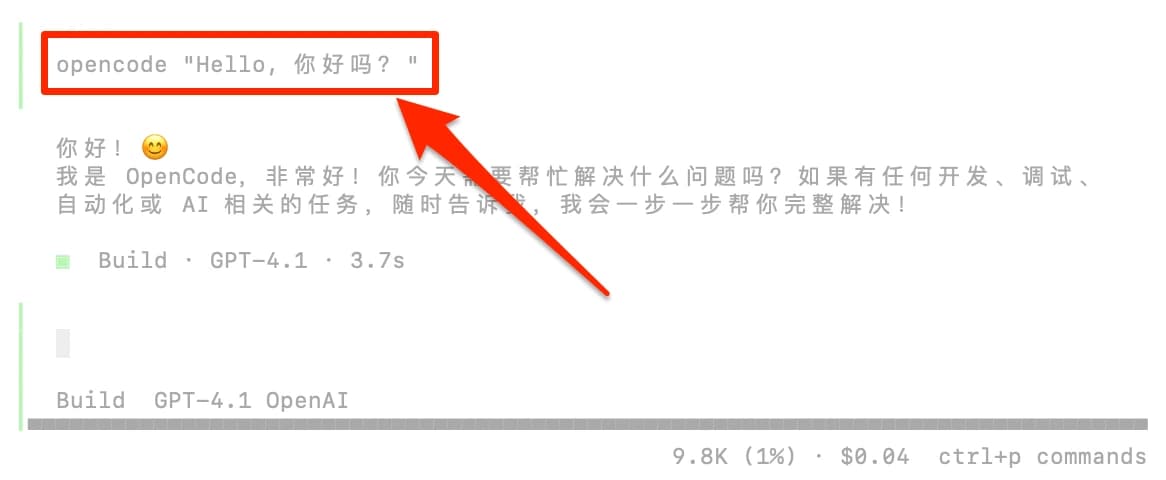
Recommended Models
For recommended models, see the Model Marketplace .
The specific configuration of OpenCode may change with version updates. Please refer to the OpenCode official documentation .